Every day, perhaps at this very minute, hackers are creating various scams and traps to try to steal your sensitive information — such as personal and financial data. But the simplest cause of fraud is also one of the most common: your device being stolen or lost, and ending up in the hands of someone with bad intentions. That’s why the experience of having a lost or stolen phone is so worrying.
Do you know what to do in those moments?
Fortunately, today, technology has advanced enough that defensive features can help guarantee the recovery of your device and / or files, and protect your information.
So, how do you find your cell phone and protect your files in case of loss or theft of your device?
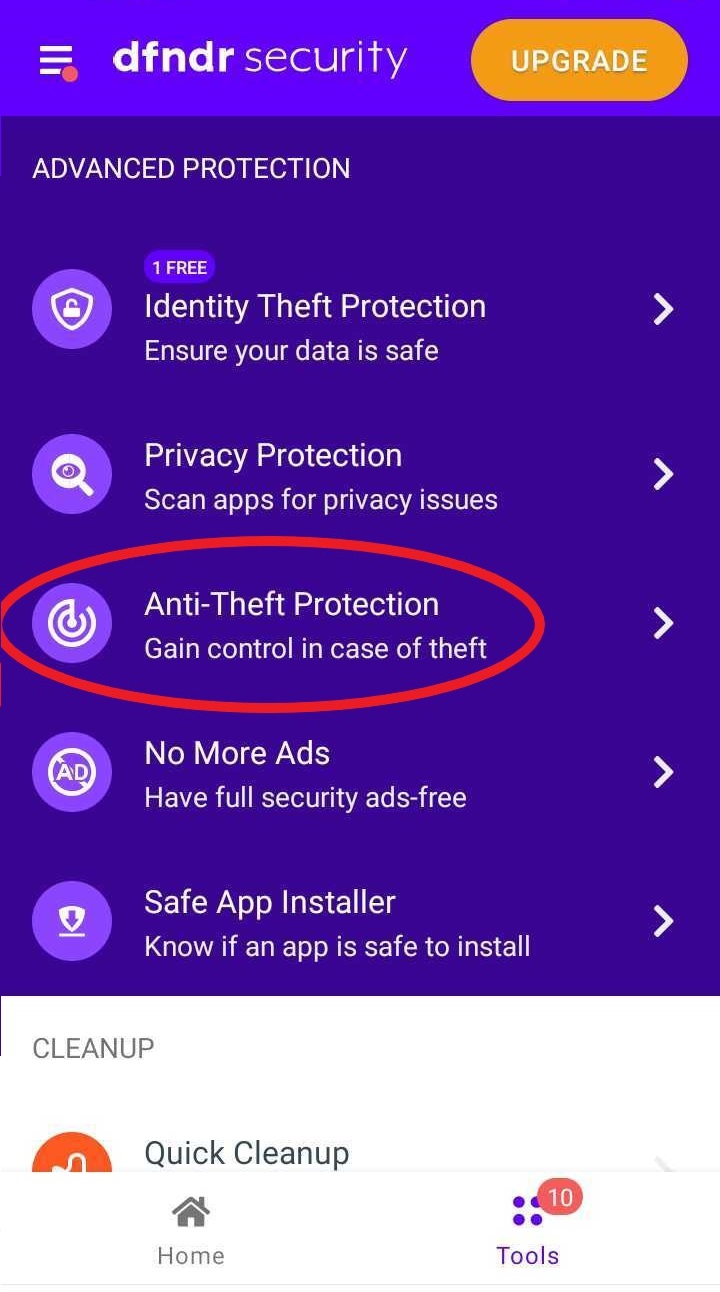
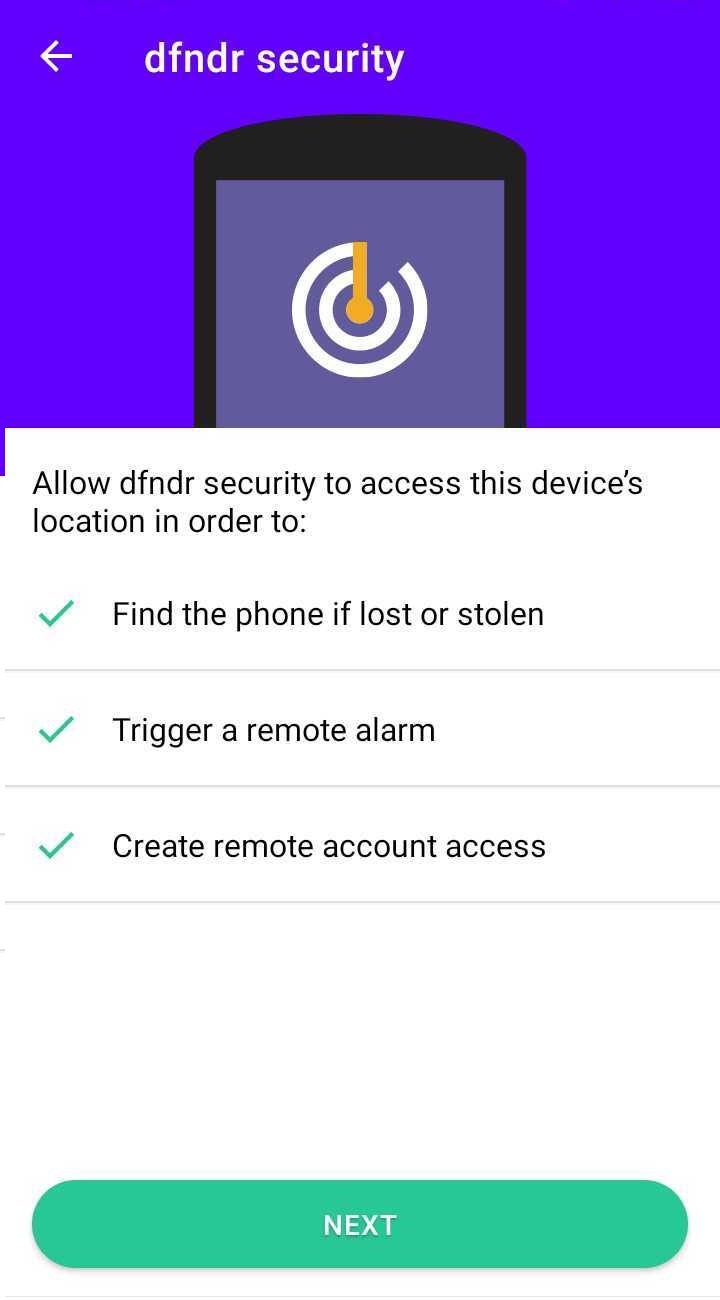
With the dfndr security anti-theft protection, you can control your cell phone remotely and prevent third parties from accessing the contents of your device. This way you can defend your phone and information as soon as you realize it’s gone missing.
For advanced protection against theft and loss to be active, just follow the steps:
You will receive an email confirming the activation of Anti-Theft Protection. That’s when you know the feature is active!
Once it’s running, you can access your Antitheft dashboard at http://meu.psafe.com
Through the MyPSafe website, you can locate your device, lock the screen, activate the alarm and erase all data. The tool was made for you to give commands to your cell phone remotely. This gives control and helps ensure your privacy in case of loss or theft.
As a PRO user, you have full access to the Theft Protection function of dfndr security, which includes the following features:
Locating your device
With Anti-Theft Protection, it is possible to know exactly where your cell phone is, in addition to setting an alarm to find it.
Erasing data remotely
With this feature, you can erase all installed apps, private messages and photos from your phone remotely.
Block access by intruders
To prevent intruders from accessing the contents of your cell phone, simply activate your device’s password lock.
Receive a photo of the thief
If the thief tries to access your device, but misses the access code, you will instantly receive an email with the photo of the criminal.
This combination of capabilities is the best way to protect your phone from thieves.
DON’T SETTLE FOR LESS!
In the United States, the use of spyware apps is a growing concern, affecting mobile…
Every day, millions of mobile phone users receive malicious links through SMS, email, or social…
Travel is about new experiences — and making payments without hassle is a crucial part…
Every day, millions of cell phone users receive malicious links via SMS, email, or social…
Have you heard of Zero Trust? The term is one of the most important trends…
Mobile devices have become essential tools in both our personal and professional lives, but they…