


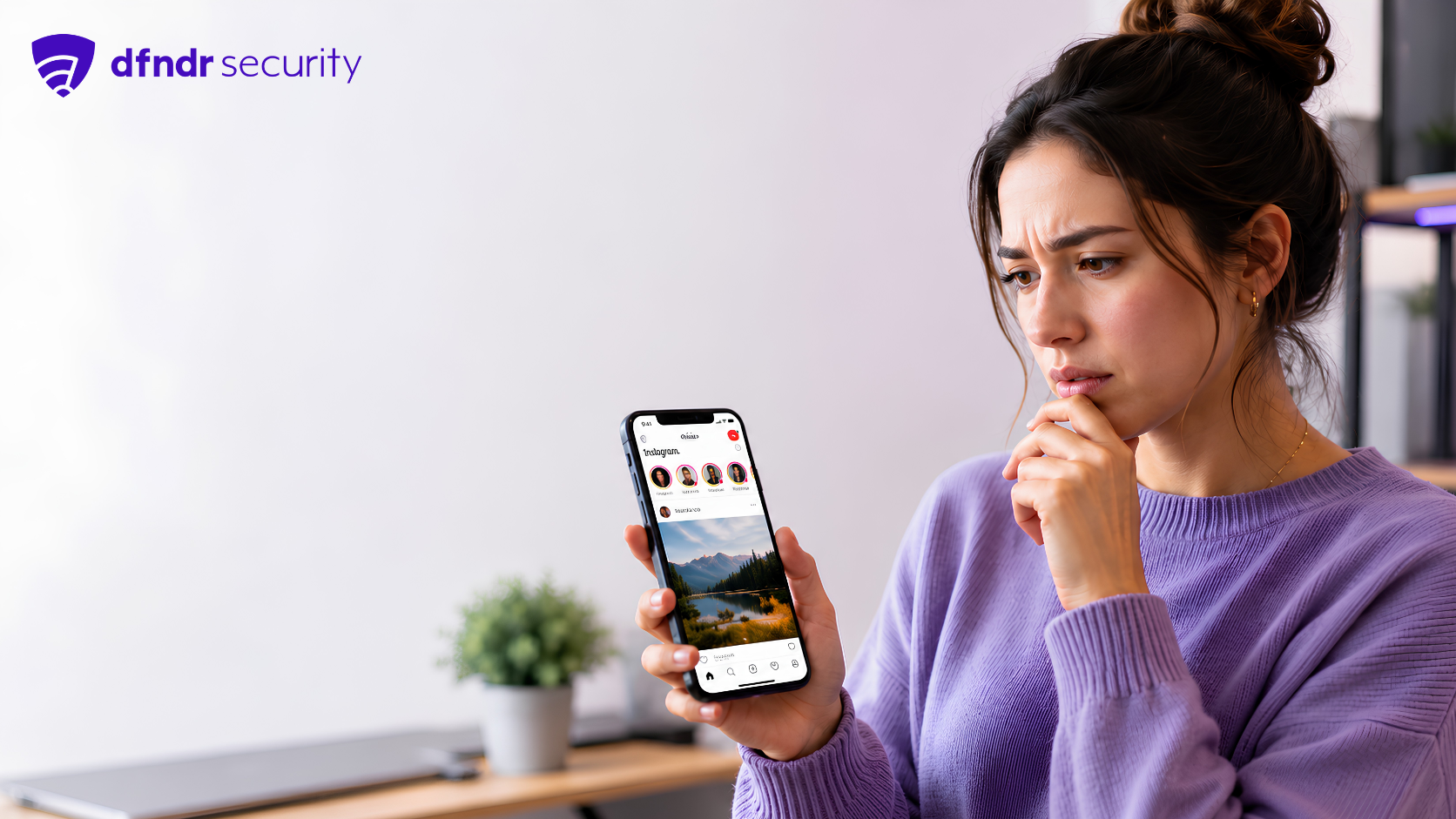
Instagram Logged In on Another Phone? How to See Where Your Account Is Active
Noticed strange likes, messages you did not send, or an unexpected login alert? That could mean your Instagram is still logged in on another phone — or that […]
Noticed strange likes, messages you did not send, or an unexpected login alert? That could mean your Instagram is still logged in on another phone — or that someone accessed your profile without permission.
The good news is that Instagram lets you check recent login activity and see where your account is connected. Through Accounts Center, you can access “Where you’re logged in” and log out of devices you do not recognize.
Knowing how to run this check matters because an active session can let someone else read your messages, change profile details, post content, or try to scam your contacts.
Why Instagram may still be logged in on another phone
This can happen for simple reasons, like using your account on an old phone, borrowed tablet, or shared computer and forgetting to log out afterward.
There is also a more serious possibility: someone may have discovered your password through phishing, leaked credentials, or fake pages that imitate Instagram to steal login data.
The problem is that this kind of access is not always obvious. Sometimes, the intruder only watches your messages, changes small settings, or slowly tries to impersonate you.
How to see where your Instagram account is logged in
To check whether your Instagram is open on another phone, follow this path in the app:
- Open Instagram and tap your profile picture.
- Go to Accounts Center.
- Open Password and security.
- Select Where you’re logged in.
- Choose your Instagram account.
- Remove any devices you do not recognize.
Keep in mind that the location shown may be approximate. That is why you should also check the device type, browser, and login time.
Signs someone may be using your Instagram
Some signs deserve attention:
- likes or comments you did not make;
- changes to your bio, photo, or email;
- login alerts from an unusual location;
- trouble getting into your account;
- posts or stories published without permission.
One sign alone does not confirm that your account was hacked, but a combination of them increases the risk. In that case, acting fast helps reduce the damage.
What to do if you find an unknown login
If a suspicious device appears, end the session immediately using the option to select devices to log out.
After that, change your password. Choose a unique combination with letters, numbers, and symbols, and avoid reusing passwords from other services.
Another important step is to review the email, phone number, and linked accounts connected to Instagram. If any information was changed, fix it before the person tries to recover access.
How to protect yourself from new unauthorized logins
Avoid clicking links received through messages, especially when they promise profile verification, a blue check, giveaways, or urgent account recovery.
Be suspicious of pages that ask you to log in outside the official app. Many scams use screens that look like Instagram to capture your username and password.
How dfndr security can help
Suspect unauthorized access to your Instagram? Download dfndr security now and activate AppLock to protect your apps with a password, pattern, or biometrics.
The feature creates an extra layer of security for important apps, such as social media, messaging apps, and accounts that store personal information. That way, even if someone has physical access to your phone, it becomes much harder to open your apps without permission.