


Siri AI requirements: supported devices, settings, and privacy controls
The Siri AI beta began rolling out in English on September 14, 2026. Updating to iOS 27 alone may not make it appear. Your device model, language settings, […]
The Siri AI beta began rolling out in English on September 14, 2026. Updating to iOS 27 alone may not make it appear. Your device model, language settings, account region, and Apple’s staged rollout can all affect access.
If you use an iPhone in the United States, check those details before you troubleshoot or change settings. This guide covers the main Siri AI requirements, the devices Apple lists as compatible, and the app controls you may want to review before giving the assistant access to personal context.
What are the Siri AI requirements?
Siri AI needs Apple Intelligence-capable hardware, version 27 of the relevant operating system, and supported language settings. Access can still vary by region, account, and feature while the beta rolls out.
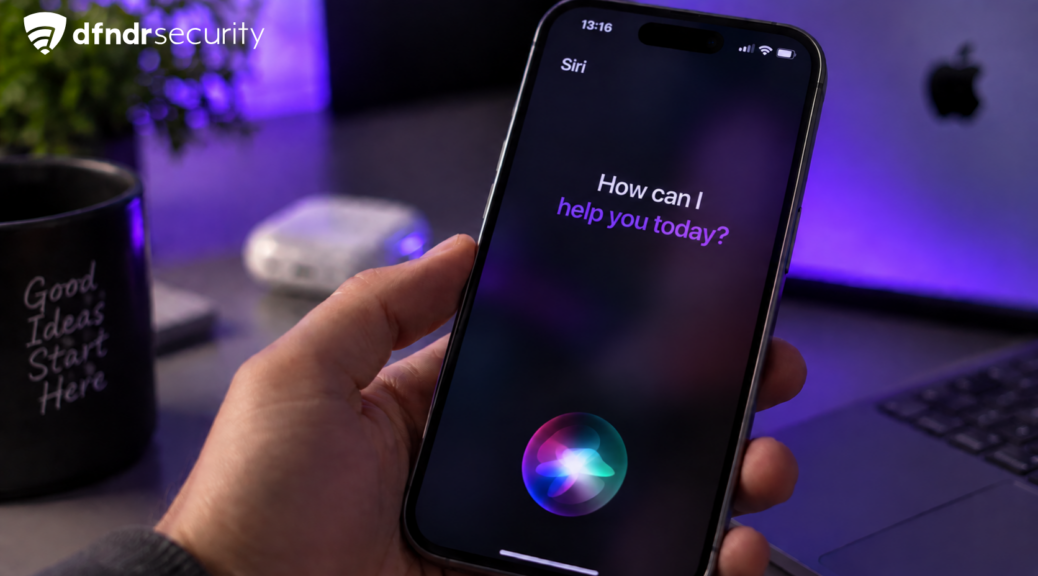
Apple Intelligence and Siri AI are related, but the names do not describe the same thing. Apple Intelligence includes a broader group of writing, image, and system features. Siri AI is the updated assistant experience, including personal context, awareness of content on the screen, and actions that can cross between apps. A joint statement from Google and Apple said Gemini models would help power future Apple Intelligence features, including a more personalized Siri.
That distinction explains why some users see Apple Intelligence options without receiving every Siri AI feature. Apple may also release one capability before another, even on two devices that appear to have the same setup.
Which devices support Siri AI?
Apple’s current requirements start with hardware that can run the new generation of Apple Intelligence.
| Device | Main requirement |
| iPhone | iPhone 15 Pro or 15 Pro Max, iPhone 16, and later compatible models |
| iPad | iPad mini with A17 Pro or an iPad with M1 or later |
| Mac | A Mac with Apple silicon |
| Apple Watch | Series 9 or later when the specific feature is supported |
| Apple Vision Pro | Availability depends on software, language, and region |
Compatible hardware is only the first check. The device also needs the required system version and enough free storage for downloaded components. Some tasks may use Apple’s servers and can have daily limits.
Back up the device through Apple’s built-in tools before installing beta software. A beta can contain bugs, change behavior, or remove a feature while Apple works on it. If you rely on the phone for work or another essential task, waiting for a stable release may save you trouble.
Read next: Review which apps use your camera, microphone, and location.
Why is Siri AI not showing after the iOS 27 update?
Work through the setup in this order:
- Confirm the exact iPhone model in Settings.
- Check the installed iOS version.
- Compare the device language with the Siri language.
- Review the region on the Apple Account.
- Check Apple’s support page for the current beta availability.
A missing option does not mean the update failed. Apple can release beta access in stages, and eligibility may differ by account or feature. A supported model may also need matching English settings during the current US rollout.
Changing the phone’s language can affect menus, search results, and voice responses. Do it only if you are comfortable using the whole device in that language. If you want to compare assistant experiences, Google explains how its Gemini app works on iPhone. It is a separate app with its own availability rules, not a switch that unlocks Siri AI. Avoid following a social post that promises instant access through an undocumented setting.
How Siri AI uses personal context
Apple says the updated assistant can find details across messages, email, photos, and other apps when a request needs personal context. It can also use information visible on the screen. The available data depends on the app, the permission, and the feature you are using.
Some processing takes place on the device. For larger requests, Apple says it can use Private Cloud Compute, which the company designed to limit access to user data. Treat that description as Apple’s documented privacy model, not as the result of an independent audit.
You can test Siri AI without opening every app to it. Review the apps allowed to appear in Search or Spotlight and the permissions for location, photos, camera, and microphone. Google’s Gemini Apps Privacy Hub provides a useful comparison of how another assistant describes activity, permissions, and connected apps. Those rules do not replace Apple’s settings. A navigation app has a clear reason to use your location. A basic puzzle game probably does not need access to your photo library.
How to limit Siri AI access to an app
Menu labels may shift during the beta. Look in the Siri, Search, Apple Intelligence, or individual app settings. Select an app and turn off its ability to show content or contribute context if that access does not fit how you use it.
Base the choice on the task. If you want Siri to find a travel confirmation in email, that app needs enough access to return the result. If you never ask the assistant about content from another app, you can remove that connection and see whether anything useful stops working.
Shared devices deserve another quick review. Check notification previews, lock-screen access, and the accounts signed into the phone. Personal context can make an assistant more useful, but ordinary privacy settings still decide what another person can see.
What to check before you turn it on
Confirm the hardware, OS version, English settings, region, and beta status. Make a backup, then review which apps can provide context. Start with one everyday request after Siri AI appears and check whether the answer matches what you expected.
You do not need to enable every option on day one. Add access when a feature solves a real problem, and remove it when the benefit is unclear. That approach gives you time to learn how the beta behaves without handing it more information than the task needs.
Continue reading
- What not to share with ChatGPT, Gemini, or any AI
- ChatGPT for teens: what changes for teens and parents
- What happens when you tap “Allow” on an Android app?