


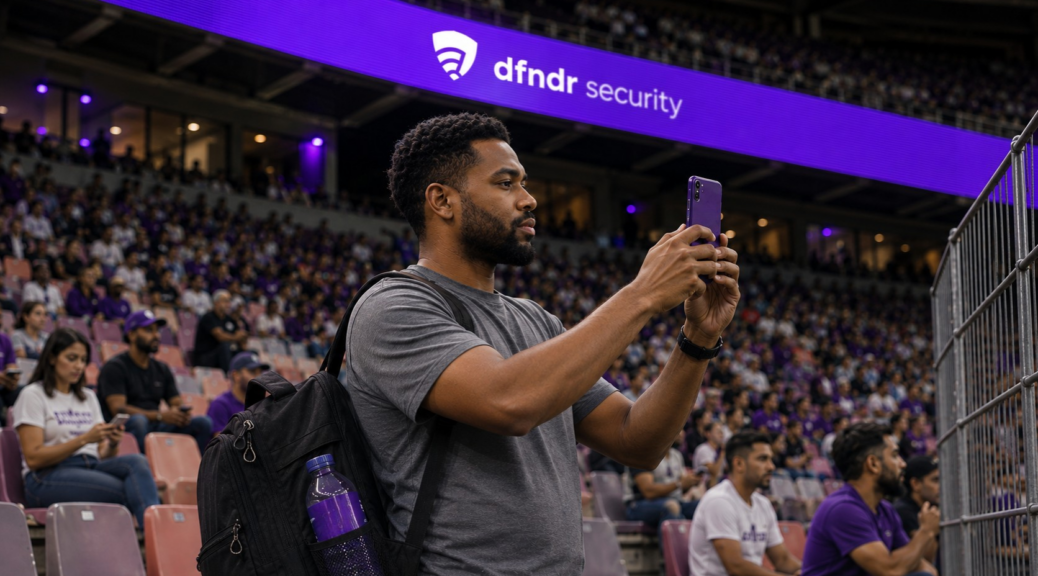
2026 World Cup Final on your phone: how to save battery and mobile data
The second half starts, the match is still tied, and your phone is down to 15% battery. Then another alert appears: you’re close to your cellular data limit. […]
The second half starts, the match is still tied, and your phone is down to 15% battery. Then another alert appears: you’re close to your cellular data limit. At that point, knowing how to save battery and cellular data could determine whether you make it to the final whistle.
The 2026 FIFA World Cup Final will take place on July 19 at New York New Jersey Stadium. If you plan to watch on your phone, prepare the device before opening the stream instead of scrambling to change settings during the match. You can confirm the date and venue on FIFA’s official New York New Jersey page.
Why Does Streaming the Final Use So Much Battery and Data?
Watching a live match requires your phone to keep the screen on, play video continuously, and maintain a network connection. High brightness, maximum resolution, an unstable cellular signal, and other open apps can increase power use even more.
Video quality also directly affects your data usage. The higher the resolution, the more data the stream needs to transfer. On a smaller screen, switching from high definition to a midrange setting can preserve the viewing experience while using less data.
How to Save Battery and Cellular Data Before Kickoff
Charge your phone ahead of time and update the official streaming app while connected to a trusted Wi-Fi network. Pause automatic downloads, photo backups, and system updates as well.
On Android, turn on Battery Saver and lower your screen brightness. Google’s official Android battery guide recommends limiting background activity, reducing brightness, and avoiding extended use of features that keep the screen and network connection active.
How to Use Less Cellular Data During the Final
Open the streaming app’s settings and choose a midrange video resolution. Turn off video autoplay in social media apps, and avoid running multiple score, messaging, and video apps at the same time.
On supported Android phones, Google’s Data Saver limits background data access for most apps. On iPhone, Apple’s Low Data Mode reduces background activity, automatic backups, and the quality of some streamed content.
How to Save Battery Without Missing the Biggest Plays
Lower the brightness to a comfortable level, turn off keyboard vibration, and disable Bluetooth and location services when you do not need them. Avoid opening the camera repeatedly or recording long sections of your screen.
iPhone users can turn on Low Power Mode, which reduces background activity, visual effects, and automatic downloads. On Android, the feature’s name and location may vary depending on the manufacturer.
Avoid Heat and Unreliable Chargers
Long streaming sessions can heat up your phone, especially when it is sitting in direct sunlight, trapped inside a heavy case, or connected to a low-quality charger. Heat can drain the battery faster and temporarily reduce performance.
Place your phone on a ventilated surface and use reliable accessories. If the battery is running very low, a charged power bank can help—just make sure the phone does not stay covered or boxed in while you use it.
How to Stream the Final More Safely
Look for the broadcast through official apps and websites. Links shared in group texts, comments, or ads may lead to fake pages, registration forms, or dangerous downloads. The PSafe Blog explains how to tell legitimate World Cup streams from dangerous links.
Keeping dfndr security active adds another layer of protection while you browse, receive messages, and search for match information. Technology should still be combined with careful link checking and the use of official channels.
Frequently Asked Questions
Does Lower Video Quality Really Save Cellular Data?
Yes. Lower resolutions require less data transfer. A midrange quality setting is usually enough to follow the match comfortably on a phone screen.
Do Bluetooth Headphones Drain a Lot of Battery?
They use some power to maintain the wireless connection, but the screen and video stream usually have a greater impact. When every percentage point matters, wired headphones may help.
Is It Better to Use Wi-Fi or Cellular Data?
A trusted private Wi-Fi network keeps the stream from using your cellular data plan. On public networks, confirm the network name and avoid opening banking apps, making payments, or entering passwords.
Read More About World Cup Security
- World Cup 2026 Streams: How to Tell Safe Links From Dangerous Ones
- What Can Public Wi-Fi See on Your Phone During the World Cup?
- That QR Code on Your Bar Table During the Game: Would You Scan It Without Thinking?
- Going to Watch the World Cup? Your Phone Knows More About You Than You Think