


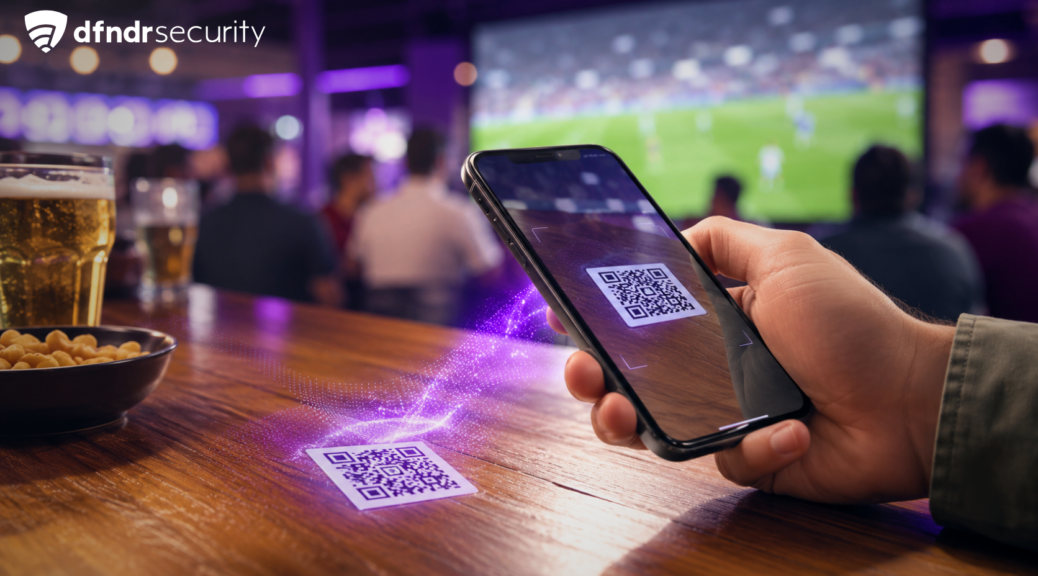
That QR Code on Your Bar Table During the Game: Would You Scan It Without Thinking?
A QR code on a bar table could hide a phishing link. Learn how to spot fake stickers, check the URL, and protect your phone and payment data. […]
A QR code on a bar table could hide a phishing link. Learn how to spot fake stickers, check the URL, and protect your phone and payment data.
You’re at a bar, the game has started, and there’s a QR code on the table for viewing the menu, joining a promotion, or paying the bill. Without thinking, you point your camera at it and open the link. But how can you tell whether a fake QR code was placed over the original?
The code may belong to the business. It may also have been replaced by someone trying to redirect customers to a fraudulent page. Because the URL is hidden inside the image, it’s easy to keep going without checking the destination.
What would you do: open it immediately or take a few seconds to inspect the sticker and the link displayed on your phone?
Why a QR Code on a Bar Table Deserves a Second Look
QR codes are convenient because they turn a URL, text, or payment request into an image your camera can read. The problem is that you cannot visually identify what the code contains before scanning it.
Criminals can print a different code and place it over the legitimate sticker. This practice is known as quishing, a form of phishing that uses QR codes. In February 2026, Unit 42 researchers reported an average of more than 11,000 malicious QR code detections per day.
That does not mean every code you find in a public place is dangerous. It simply means the sticker’s physical location alone does not prove that the destination is legitimate.
How a Fake QR Code Can Trick You
After you scan it, your phone may open a page that imitates the bar’s menu, payment system, or loyalty program. The business’s colors, logo, and name can make the page look trustworthy.
The page may ask for your name, phone number, SSN, password, or credit card information. In other cases, it may promise free Wi-Fi, a discount on your bill, or entry into a giveaway. These tactics use malicious links to push you into taking an action that benefits the scammer.
The link may also start a download, ask you to sideload an APK from outside Google Play, or request permissions that do not match the page’s stated purpose.
Signs a Fake QR Code May Be Covering the Original
Before pointing your camera at the code, look for a few warning signs:
- A crooked or peeling sticker, or another label underneath it;
- Printing that looks different from the business’s other QR codes;
- A URL containing swapped letters, numbers, or unusual words;
- A page that requires you to sign in just to view a basic menu;
- An immediate request for credit card details, a Zelle, Venmo, or Cash App payment, or an app installation.
The padlock icon in your browser does not confirm that the website belongs to the bar. It means the connection is encrypted, but fraudulent pages can use encryption too.
Read more: World Cup 2026 Streams: How to Tell Safe Links from Dangerous Ones
How to Protect Yourself Before Opening the Link
Ask an employee whether the QR code belongs to the business, especially when it is attached to a table, wall, or sign that anyone can access. When making a payment, confirm the recipient’s name and the amount before authorizing the transaction.
After scanning the code, read the URL shown on the screen before tapping the notification. Look for the company’s official domain and be suspicious of versions containing subtle errors or terms such as “promotion,” “free,” and “urgent.”
Before opening the page, an extra layer of verification can help. The URL Checker in dfndr security analyzes the address and alerts you when it identifies possible threats, reducing the risk of opening a suspicious page on impulse.
Chrome can also display warnings about phishing, malware, and deceptive pages through Google Safe Browsing. This official resource reinforces the guidance, but it does not replace checking the URL and the source of the QR code.
What to Do After Scanning a Suspicious QR Code
If all you did was open the page, close it without accepting notifications, permissions, or downloads. Check your downloads folder and delete anything that started downloading without your permission.
If you entered a password, update it immediately through the service’s official app or website. Be sure to replace it on all other accounts where you reused it and enable two-factor authentication for added security.
If you shared credit card or bank details, contact your financial institution using a verified phone number or their official app. Review your recent transactions for suspicious activity and do not access the fraudulent page again, not even to dispute or cancel a charge.
You should also notify the person responsible for the business. That way, the sticker can be removed before other customers scan the same code.