

QR Code Scam: How to Spot a Fake QR Code Before You Scan It
Do you check a QR code before you scan it? A QR code scam takes advantage of how automatic the action has become: point your phone’s camera at […]
Do you check a QR code before you scan it? A QR code scam takes advantage of how automatic the action has become: point your phone’s camera at the code, tap the link, and move on without checking where it actually leads.
Also known as quishing, short for QR code phishing, this type of scam can send you to a fake website, redirect a payment through Zelle, Venmo, or Cash App, or lead to a page designed to steal passwords and personal information. Researchers at Unit 42 report an average of more than 11,000 malicious QR code detections per day in their telemetry.
The good news is that there are warning signs that can help you spot a fake QR code before you open the site or send money.
How Do QR Code Scams and QR Code Phishing Work?
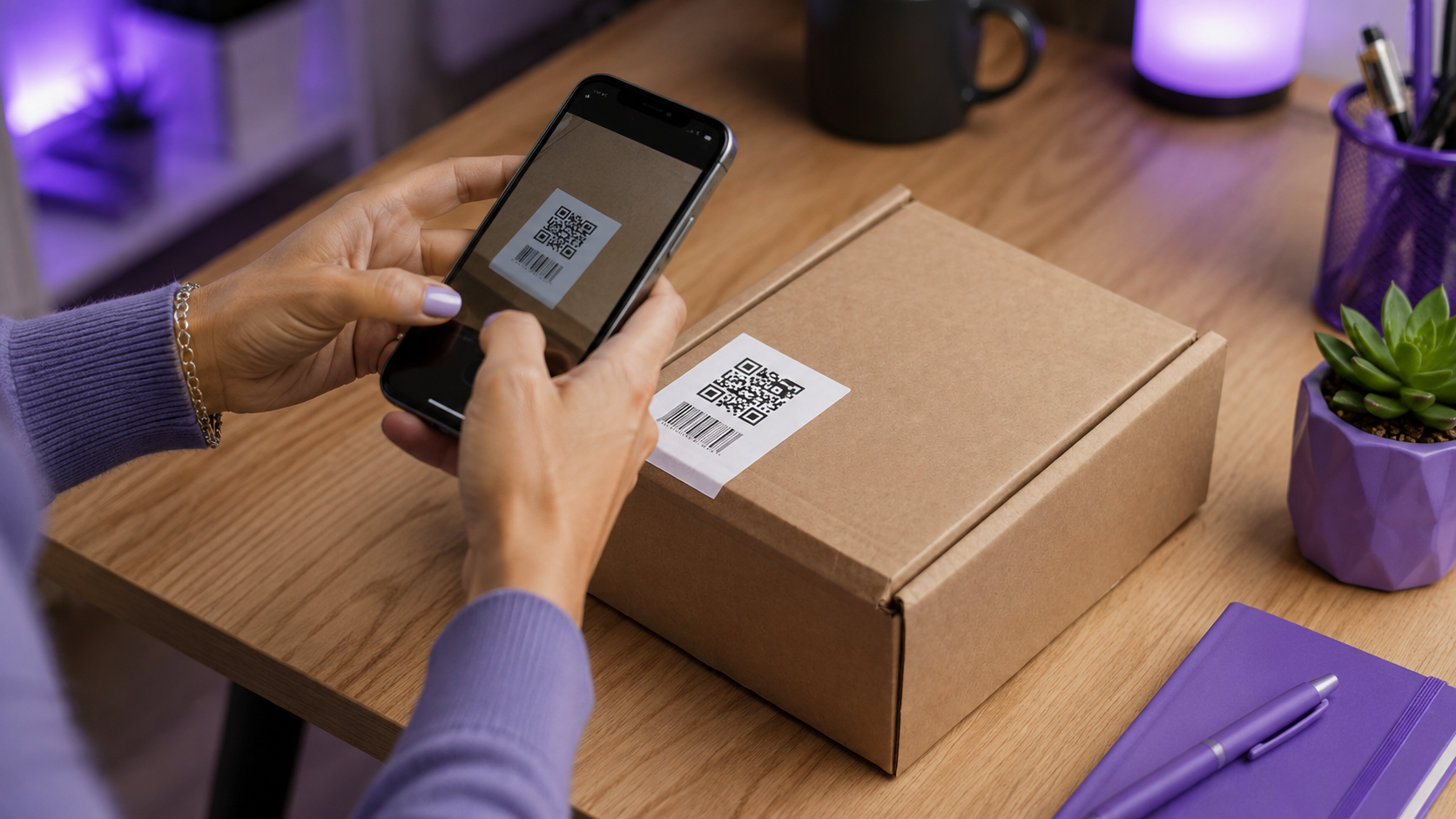
A fake QR code can arrive by email, SMS, or iMessage, appear on a payment request, or even be physically placed over a legitimate code on a restaurant table, poster, parking meter, or payment station.
The problem is that you can’t tell where a QR code leads just by looking at the pattern. Once scanned, it may take you to a page that impersonates a bank, retailer, delivery service, or login screen.
This is a form of QR code phishing, or quishing: the scammer tries to convince you to take an action or hand over information while the QR code hides the destination until you scan it.
The Federal Trade Commission warns about QR code phishing scams, including fake codes placed over legitimate ones at parking meters and QR codes sent by text or email with urgent requests. The FTC recommends checking the URL before opening it.
How to Spot a Fake QR Code Before You Scan It
There isn’t one visual detail that proves a QR code is malicious. Context matters.
Watch for:
- stickers placed over another QR code;
- codes that look crooked, damaged, or different from others nearby;
- QR codes attached to unexpected payment requests;
- promises of prizes, discounts, or immediate rewards;
- pressure to pay or update an account right away;
- a strange URL displayed after scanning;
- domains with swapped letters or extra words.
The FTC specifically warns that scammers can cover legitimate QR codes with their own. Before sending money, make sure you know exactly who will receive the payment.
Read more: Could You Spot a Fake Login Page in 5 Seconds? Take the Phishing Test. This PSafe guide focuses on fake login pages, look-alike domains, phishing, and the same URL checks that matter after scanning a QR code.
QR Code Payment Scams: How to Avoid Fake Zelle, Venmo, and Cash App Payments
If a QR code opens a payment screen, don’t approve the transaction just because your payment app recognized the code.
Check the recipient’s name, payment service or bank, account or contact details when shown, and transaction amount. If anything looks different from what you expected, stop the payment.
The FTC’s guidance for mobile payment apps recommends checking recipient information carefully before sending money through payment apps.
Google’s online security guidance also recommends checking unfamiliar URLs and watching for look-alike domains used in phishing attacks.
How to Tell If a QR Code Link Is Safe Before You Open It
After pointing your camera at the code, don’t immediately tap the URL that appears. Read the domain first.
Scammers can swap letters, add extra words, or use shortened URLs to hide the real destination. Even a page using “https” can still be fraudulent: encryption protects the connection, but it doesn’t prove that the company behind the website is legitimate.
At this point, a second check can help. The Dangerous Link Detector in dfndr security can analyze the address revealed by the QR code for signs associated with dangerous websites before you decide to visit it. It works as an extra layer alongside checking the domain and verifying where the code came from.
Similar phishing links can arrive through SMS, iMessage, and email. Learning to recognize suspicious URLs and fake login pages helps you spot the same patterns after scanning a QR code.
How QR Code Phishing Scams Can Impersonate Government Agencies
An official-looking logo does not make a QR code legitimate.
The IRS has warned about phishing and impersonation scams that direct people to fake websites and pressure them into providing personal information.
Received a payment request claiming to come from a company, bank, or government agency? Instead of using the QR code in the message, open the official app or type the official website directly into your browser.
What to Do If You Scanned a Suspicious or Malicious QR Code
If you only previewed the address but didn’t open the page, stop there.
If you opened the site, avoid filling out forms, downloading files, or installing apps. If you entered a password, change it through the official service and turn on two-factor authentication.
If you sent money through Zelle, Venmo, or Cash App or shared banking information, contact your financial institution or payment provider immediately through its official channels and save any messages, receipts, or other evidence.
Frequently Asked Questions About QR Code Scams and Quishing
How Can You Tell If a QR Code Is Fake?
Look for signs that the physical code has been tampered with, confirm where it came from, and review the URL displayed by your phone before opening it. For payments, verify the recipient details before sending money.
Can Scanning a Fake QR Code Install Malware?
Simply scanning the code usually reveals a link or action. The risk increases when you open a malicious page, download a file, install an app, or enter personal information.
What Is Quishing or QR Code Phishing?
Quishing is phishing carried out through a QR code. The scammer uses the code to hide a malicious address or action and trick you into visiting a fake website, entering login credentials, or making a payment.
Conclusion
A fake QR code scam works because scanning a code has become almost automatic: you point your camera, tap, and keep going without checking the destination.
Before opening any address, inspect the code, check the URL, and verify the recipient before sending a payment. A few seconds of verification can make the difference between opening a legitimate service and landing on a phishing page.
Read More on the PSafe Blog
- Could You Spot a Fake Login Page in 5 Seconds? Take the Phishing Test
- Fake CAPTCHA Is Installing Malware on Your Phone — How to Spot It Before You Tap
- Google Account Hacked? 7 Signs Someone Is Using Your Profile Right Now
- 24 Billion Passwords Exposed? How to Check If You’re Affected